


We used pxGuru to refresh a set of team headshots for LinkedIn and paid social. The results were clean, consistent, and fast to produce.

Generate, edit, upscale, animate, and transform images with one AI-powered creative workspace.

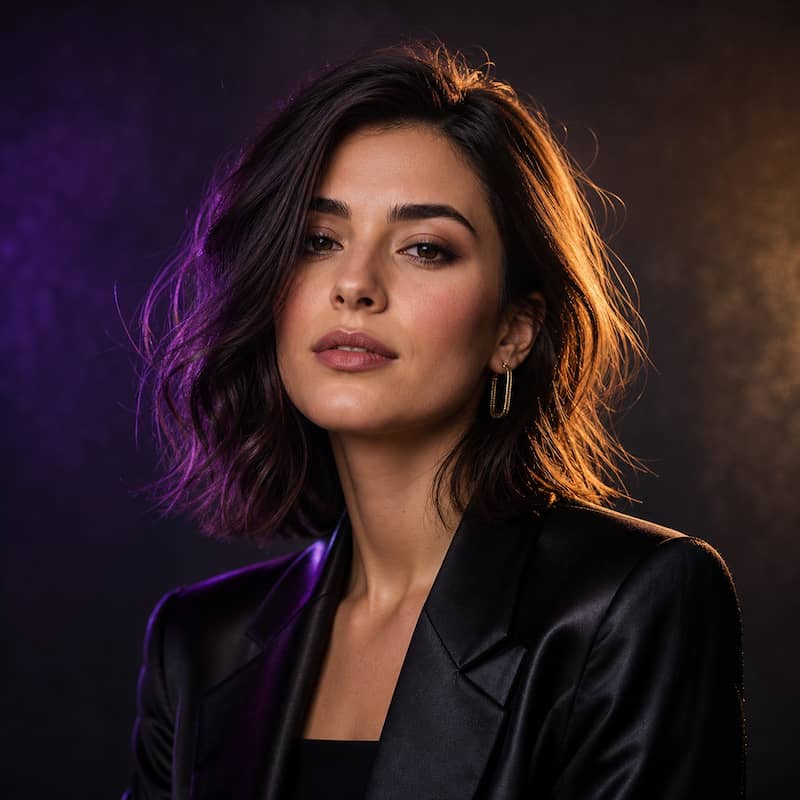
Create a polished LinkedIn headshot with clean lighting, a neutral studio background, and natural skin detail.


Visuals for every platform.

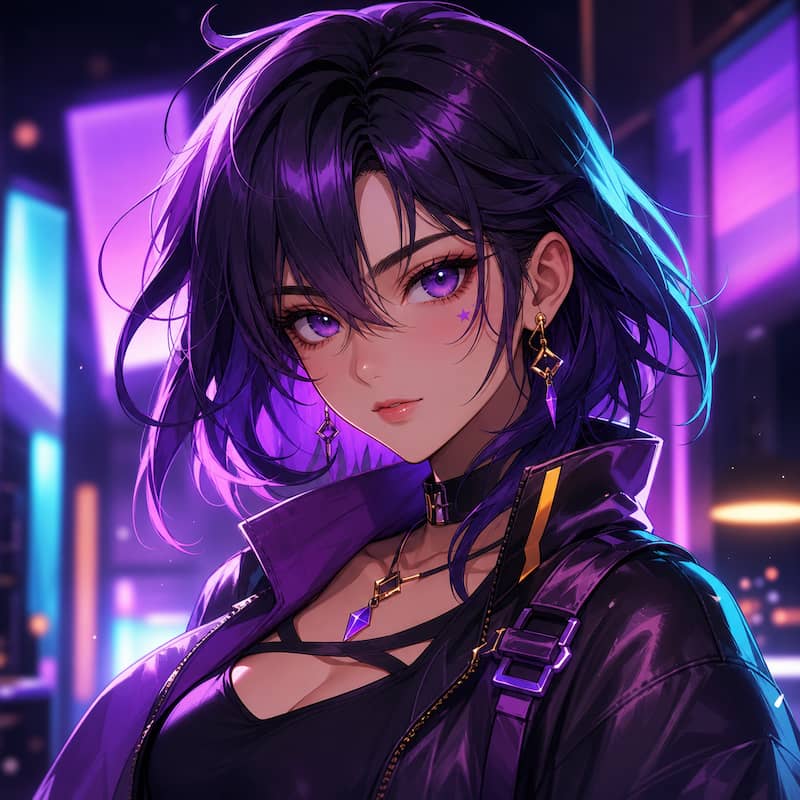
Generate stunning anime characters, scenes, and artwork from text prompts with precise style control.

Unique illustrated personas and profile pictures that capture your personality and brand.

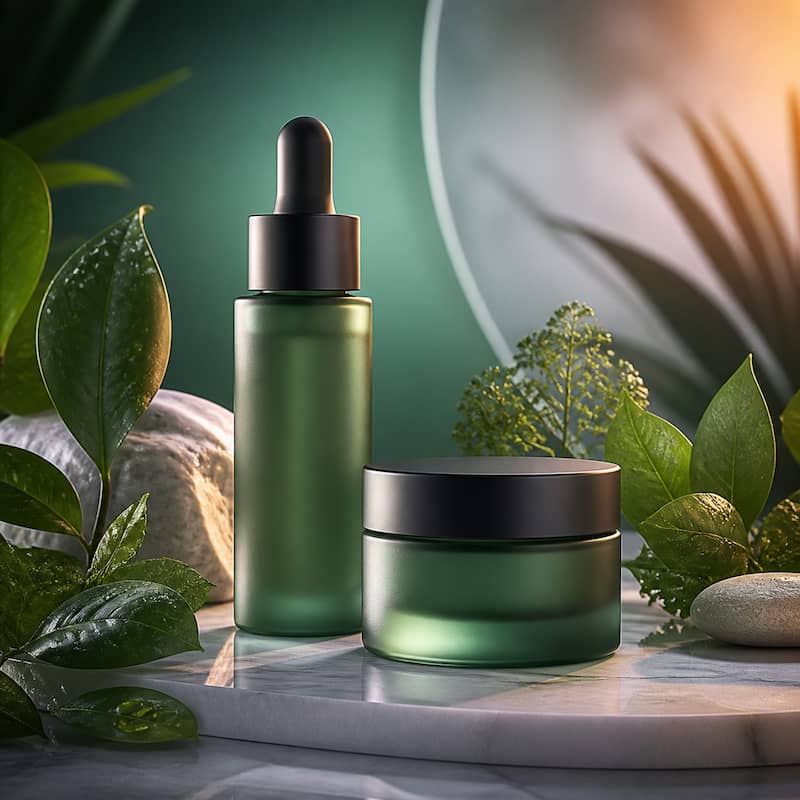
Generate license-free, photoreal stock images for commercial use without expensive photo shoots.

Custom tattoo artwork and flash sheets generated from style preferences and personal elements.

Discover additional features and tools to enhance your creative workflow.

Process entire shoots or libraries with GPU-accelerated super-resolution & color consistency.

Perfect headshots for CV, LinkedIn, Tinder, and professional documents from simple prompts.

Repair damaged vintage photos and add realistic color to black & white images.

Virtually try different clothing styles on photos while maintaining realistic fit and lighting.

Transform portraits to show how someone might look at different ages.

Convert photos to different seasons (summer to winter scenes, adding snow, changing foliage, etc.).
From words to visuals in seconds. Describe your idea and watch AI bring it to life.
Describe
Type your idea in any language.
Generate
AI creates stunning visuals in seconds.
Refine
Edit, enhance and make it perfect.


Quick answers to the most common questions about pxGuru and how it works.
Still have questions?
pxGuru is an all-in-one AI image and video generation platform that lets you create, edit, and enhance visual content in seconds. You can remove backgrounds, upscale images, generate art from text prompts, turn photos into videos, and much more - all powered by advanced AI models.
Absolutely! Your images and videos are kept private and secure, ensuring your data remains confidential. Files are processed securely and are not shared publicly. You maintain full ownership of your creations.
Yes, you can use the outputs commercially, but please review our terms for specific guidelines.
Most AI images are ready in under 20 seconds. Video generation may take longer depending on complexity, but is usually completed within a few minutes.


1M+
Creators Worldwide
50M+
Images generated
30+
AI tools in one workspace
4.9/5
From 20,000+ reviews
We used pxGuru to refresh a set of team headshots for LinkedIn and paid social. The results were clean, consistent, and fast to produce.
I mostly use it when I need a thumbnail turned around quickly. Cleanup is simple, and I spend a lot less time fixing small visual issues by hand.

We use pxGuru for product images and quick campaign variations. It helps us move faster when we do not want to wait on a full design round.

I tried it on a few damaged family photos and was surprised by how usable the results were. It is now part of my restoration workflow for older scans.

For client work, the biggest win is speed. We can batch through repetitive edits much faster and keep outputs more consistent across campaigns.
